How To Disable WordPress Admin Email Verification Notice

WordPress 5.3 introduces the "Administration email verification" screen for checking the site administrator's email to make sure it is up-to-date and correct. The admin email is a crucial part of any WordPress site, and you can change it by going to "WordPress Dashboard" > "Settings" > "General". If, however, you feel that this admin email verification screen is unnecessary for your site, you can disable it by inserting the following code into your "functions.php" file:

// Disable WordPress Administration Email verification Screen 
add_filter( 'admin_email_check_interval', '__return_false' );
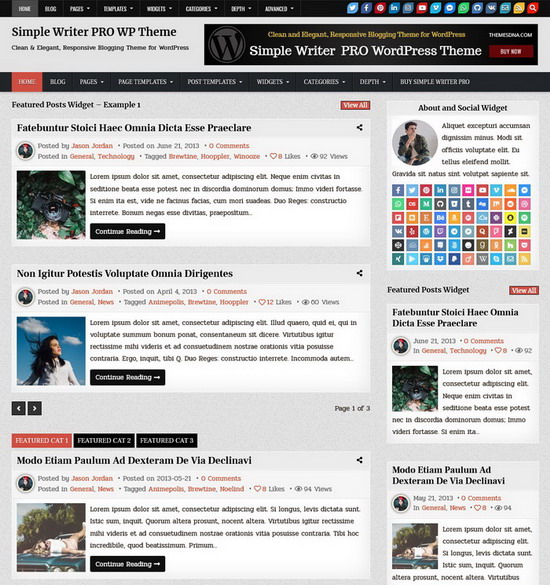

Our WordPress Themes

Below are some of our premium WordPress themes. View all our free and premium WordPress themes →
GridMe PRO WordPress Theme

GridMe PRO

If you have tried GridMe Free WordPress Theme, then you will love the premium version. It will help you to...

$25.00
GridBone PRO WordPress Theme

GridBone PRO

$25.00
GridSoul PRO WordPress Theme

GridSoul PRO

$25.00
Clean Gallery PRO WordPress Theme

Clean Gallery PRO

If you like Clean Gallery free WordPress Theme, you will love the premium version. Clean Gallery PRO is an elegant,...

$25.00
Clean Grid PRO WordPress Theme

Clean Grid PRO

If you like Clean Grid free WordPress Theme, you will love the premium version. Clean Grid PRO is an elegant,...

$25.00
GridHot PRO WordPress Theme

GridHot PRO

If you have tried GridHot Free WordPress Theme, then you will love the premium version. GridHot PRO version has color...

$25.00
GreatWP PRO WordPress Theme

GreatWP PRO

If you like GreatWP free WordPress Theme, you will love the premium version. GreatWP PRO is very user friendly, feature-rich,...

$25.00
MagSoul PRO WordPress Theme

MagSoul PRO

$25.00

Can't you choose a single theme? Purchase All Themes for $75.

Save money with our low, one-time price for access to all of our 56 WordPress themes.