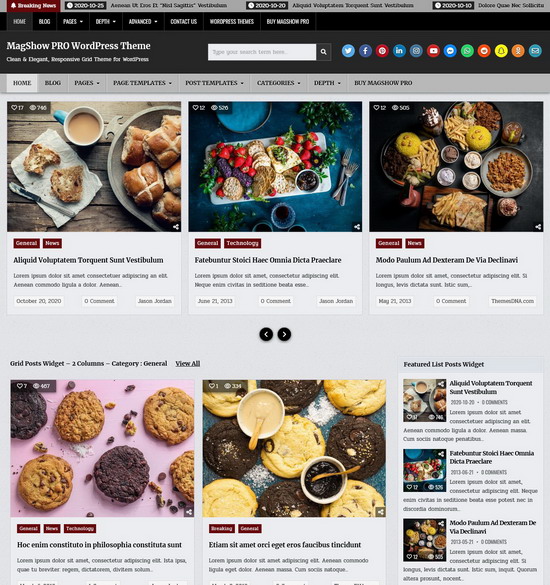
Adjusting the length of excerpts in WordPress can enhance the readability of your blog. Here’s a quick way to change the excerpt length using a code snippet.
Step 1: Access Your Theme’s Functions.php File
- Log in to Your WordPress Dashboard and navigate to "Appearance" > "Theme File Editor".
- Select the functions.php file clicking on "Theme Functions (functions.php)".
Step 2: Add the Code Snippet
Add the following code to set your desired excerpt length. For example, this sets the excerpt length to 20 words:
function themesdna_custom_excerpt_length( $length ) {
    return 20;
}
add_filter( 'excerpt_length', 'themesdna_custom_excerpt_length', 999 );
Step 3: Save and Test
- Click the "Update File" button to save the changes.
- Visit your site and check that the excerpt length has been adjusted.
You can manage how much content appears in your excerpts with this quick change, which will enhance the user experience on your site.