By default WordPress shows its version number adding a generator meta tag into the head section of your webpage like this:
<meta name="generator" content="WordPress 4.7" />
Look at this example:
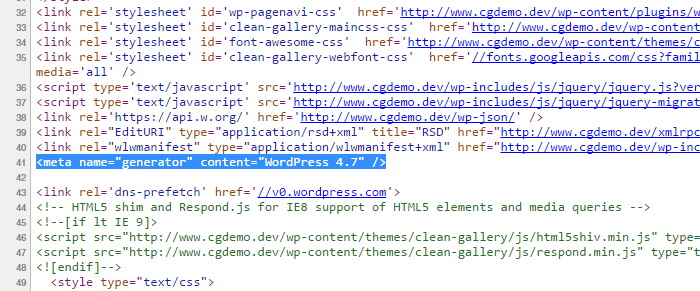
If you do not regularly update your WordPress website, it can be considered as a security risk to make your WordPress version visible to the public. So you can remove this WP generator meta tag adding this line into your functions.php file:
remove_action('wp_head', 'wp_generator');Don't forget to save the functions.php.