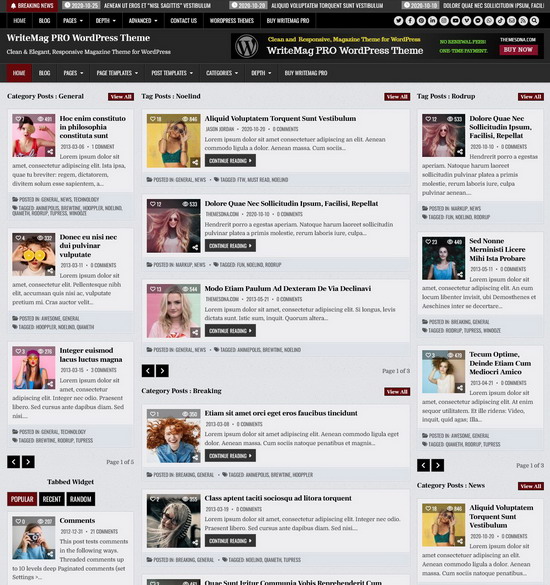
Your WordPress blog's homepage will automatically sort all posts (not pages) by publishing date, with the most recent one at the top. Both new and returning visitors will appreciate this, since they will not like having to go through multiple steps just to view your most recent posts.
But if you'd rather see older posts displayed first and aren't a fan of having the most recent ones shown first, then copy and paste the code below into your theme's "functions.php" file.
function themesdna_display_older_posts_first( $query ) {
    if( $query->is_main_query() && ! is_admin() && ( $query->is_home() || $query->is_search() || $query->is_archive() ) ) {
        $query->set( 'orderby', 'date' );
        $query->set( 'order', 'ASC' );
    }
}
add_action( 'pre_get_posts', 'themesdna_display_older_posts_first' );
Note: If you don't like to edit the functions.php file of your theme, you can use a plugin like "Code Snippets" to run custom code snippets on your site.